The PocketStation is a memory card peripheral, designed by Sony Interactive Entertainment for the PlayStation home video game console.It was released in Japan in 1999. The device acted not only as a memory card, but was interactive itself via a small monochrome LCD display and buttons on its case. Many PlayStation games included software that could be downloaded and played on the PocketStation. A release in Europe and North America was planned, but was ultimately canceled. The PocketStation shares similarities with Sega's VMU for the Dreamcast.
In Yu-Gi-Oh! Forbidden Memories, it was intended that you could obtain some cards using this device. As it never went out to Europe and USA, the software to do it was present only in the japan version of the game, Yu-Gi-Oh! Shin Duel Monsters (遊戯王真デュエルモンスターズ封印されし記憶). As the app installed in PocketStation is not only in japanesethe following section will show how to use it.
You must know that the Yu-Gi-Oh! Shin Duel Monsters app for PocketStation have many tools to use, and each tool have its uniques requirements, so, we will go throught all of them! all of this will require some patients from you to make it work, but, it worth the time.
What I need for this?
In this options you will see what cards are in your Deck and hand. When you choose to play the game hidding your cards, you can put the number of the card seein on screen and PocketStation will tell you what card is. You will see informacion like name, guardian stars, atk, def and card type. It is in japanese, and if you can't read it, this will not help you so much.
Here you can access every card from your deck. The information you will see will be the sames a Memo. It works to have track of all your cards.
Here you can access to every card un your bag, those who are not en your deck. The information you see is the same as Memo.
This options is the most important one. You will have 4 options inside, in order are: Receive, Send, IR and Exit. Each have its unique requirements. For the first two options you will required 2 PocketStations! (One acting as a Receiver and one as a Sender)
Receive
With this options you are preparing this PocketStation as a card receiver, similar way when you trade cards between two memory cards. This option dont do anything else. When you press the button to activate this selection, point the devices IR (Infra-red) to the other PocketStation IR.
Send
With this options you are preparing this PocketStation as a card sender, similar way when you trade cards between two memory cards. When this options is active, you are able to put until 4 number. This numbers are card numbers, and represent cards you have in your library (Deck or bag). If you put a number of a card you don't have, Send will not work. After selection, all cards added in the previuos list will be send to the receiver PocketStation. Point this devices IR (Infra-red) to the other PocketStation IR and then press main button to send cards.
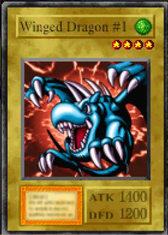
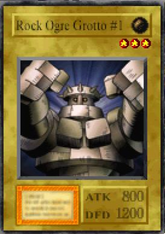
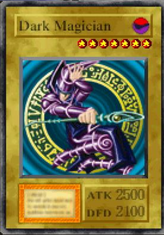
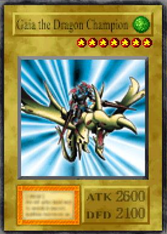
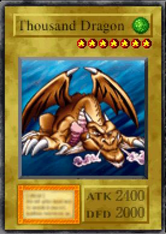
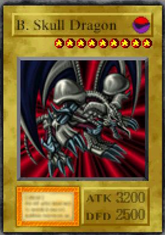
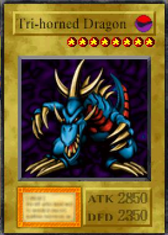
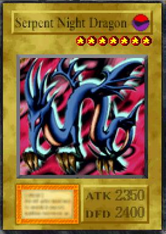
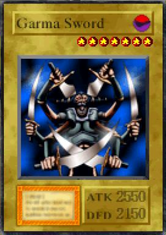
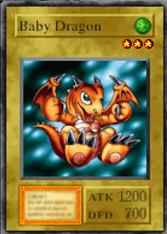
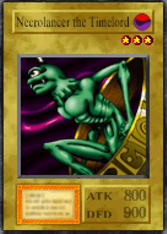
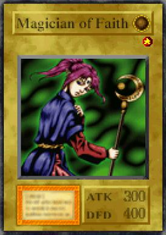
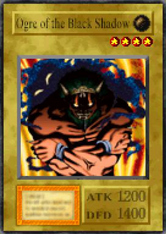
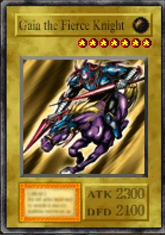
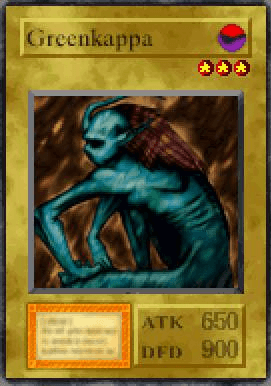
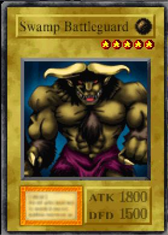
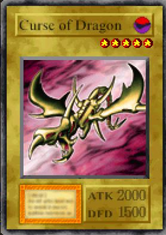
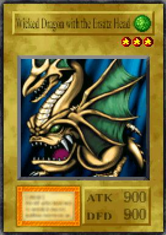
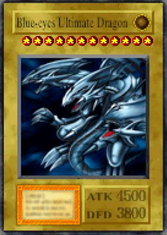
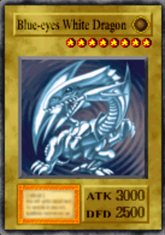
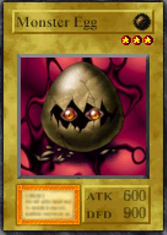
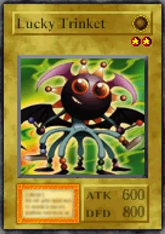
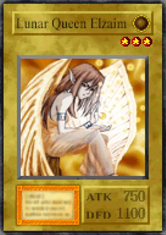
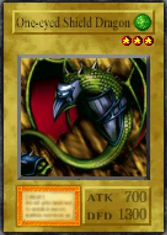
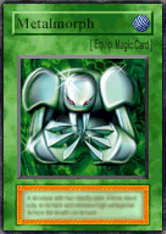
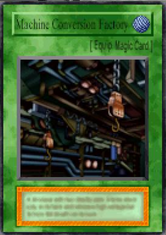
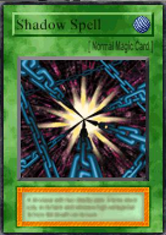
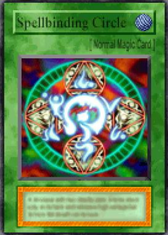
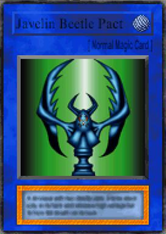
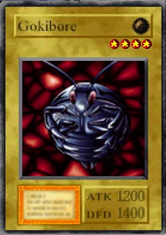
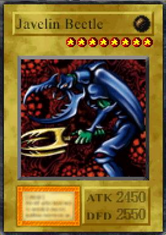
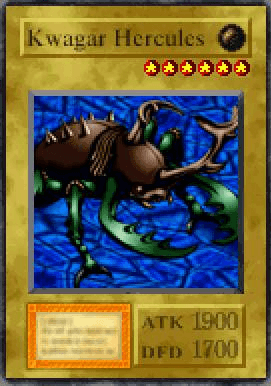
The great thing in doing this is that, if some conditions are met, some cards fuses during trading, creating a new card. With this fusing communication system you can obtain some rare and in-game unobtainable cards, like Blue-eyes Ultimate Dragon. The following section show you all possbile combination cards.
Remember that the new card obtained is sended to the receiver device, so you will need to trade that card back to the sender pocketstation if it is your primary memory.
Another thing to remember is that cards sended and fused are lost, so, be prepared to have more than one.
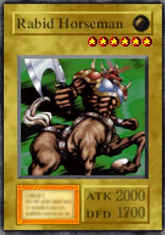
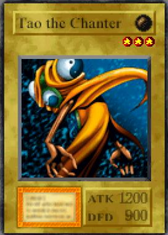
| Card Obtained | Card One | Card Two | Card Three | Card four |
|---|---|---|---|---|
4
|

103
|
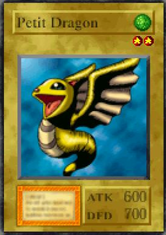
200
|
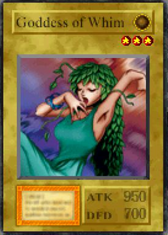
429
|

|
|
103
|
429
|
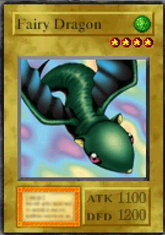
603
|
|
|
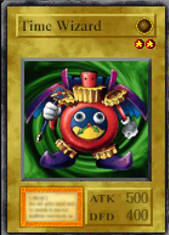
16
|
103
|
143
|
428
|
|

22
|
16
|

254
|
103
|
|

26
|

14
|
103
|

541
|
|
|
103
|
287
|
541
|
|
|
38
|

33
|
103
|
586
|
|

15
|
103
|
586
|
|
|
12
|
103
|
586
|
|
|
39
|
103
|
298
|

545
|
|
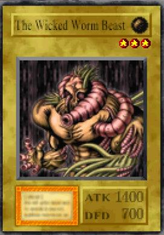
23
|
103
|
545
|
|
|
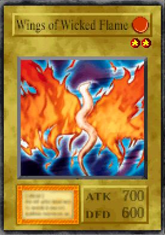
101
|
103
|
545
|
|
|
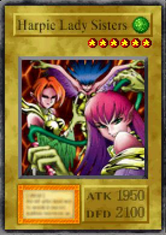
63
|
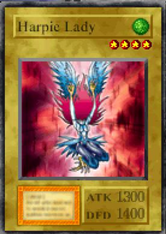
62
|
62
|
62
|
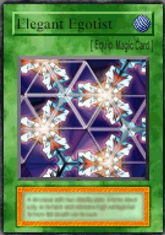
318 |
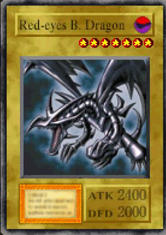
82
|
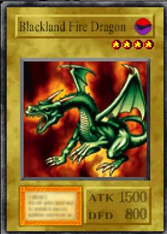
10
|
103
|
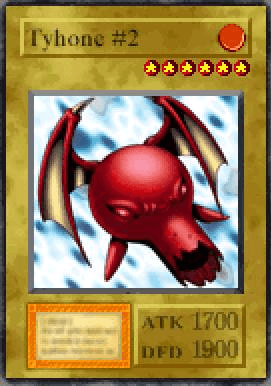
555
|
|
|
103
|
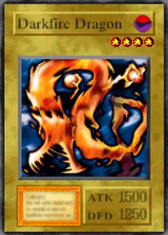
168
|
555
|
|
|
|
103
|
555
|
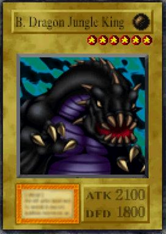
571
|
|
|

91
|
103
|

246
|
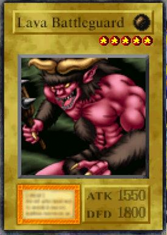
554
|
|
|
103
|
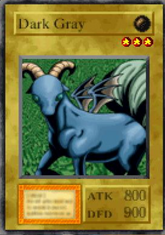
113
|
554
|
|
|

278
|
103
|
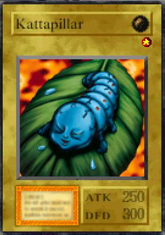
499
|

628
|
|
|
103
|

562
|
628
|
|
|
|
103
|
628
|

640
|
|
|
|
318
|
62
|
62
|
62
|
|

329
|
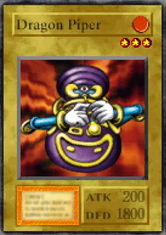
40
|
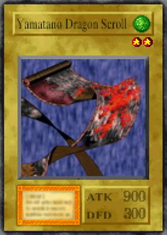
122
|
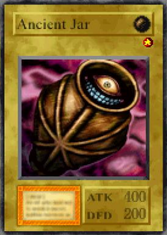
167
|
|
348
|

350
|
350
|
350
|
|

369
|
366
|

368
|

652
|
|

374
|
371
|

372
|
373
|

667 |
380
|
1
|
1
|
1
|
675 |
|
428
|
129
|
147
|
183
|
|
|
429
|
147
|

253
|
260
|
|
|
499
|
23
|
147
|

184
|
|
|
541
|
147
|

207
|

228
|
|
|
545
|

139
|
147
|
296
|
|
|
554
|
12
|
147
|

152
|
|
|
555
|
101
|
147
|
168
|
|
|
562
|
23
|
147
|
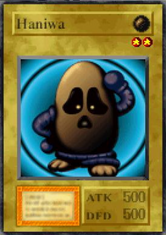
237
|
|
|
571
|
10
|
147
|
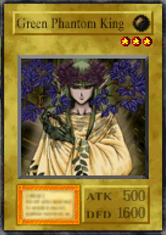
274
|
|
|
603
|
147
|
200
|
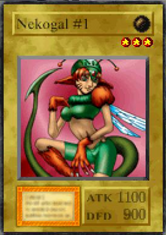
252
|
|
|
628
|
147
|
253
|
254
|
|
|
640
|
23
|
147
|
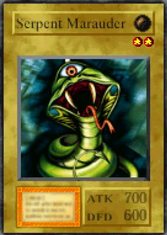
285
|
|
658
|
325
|
325
|
325
|
|
|
667
|
371
|
372
|
373
|
|
669
|
349
|
349
|
349
|
|
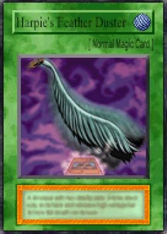
672
|
62
|
253
|

264
|
|
|
675
|
1
|
1
|
1
|
|

688
|
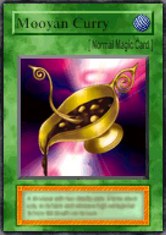
338
|
338
|
338
|
338 |

689
|

17
|
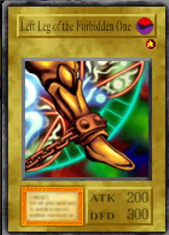
18
|

19
|
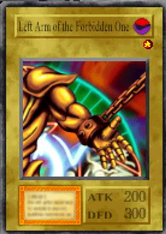
20 |
696
|

478
|
478
|
478
|
478 |
54
|
54
|
54
|
54 |
|

713
|
82
|

712
|

244
|
348 |
717
|

52
|

480
|
533
|
696 |
IR (Infra-red)
With this options you are preparing this PocketStation as a card receiver, but in a different way as the comunication fusion. With this option, you are able to use any IR devices in existence, like old TV controllers. Point the PocketStation IR (Infra-red) to the other device IR, and in that device trigger the IR (In the TV Controller example press any button from the controller). The signal the device generate will match one card from the game and PocketStation will receive that card into it. Any card that have a code (the one you can put in the shop to buy it with starchips) are able to be receive. This is more like a gambling situation, but if you are luck, you will receive some rare cards like Ultimate Greath Moth.
Something to know, you can only receive one copy of any cards, so, if you trigger a signal, and PocketStation match it with a card you already obtain with this method, you will received a message "Once Only" and nothing will happen.
Exit
Return to the previous menu.
This is a secret section. Here you can enter a code of 3 sections of 5 numbers and try your luck. If you win, you will receive a Card!. But things behind this lottery are more complex and can give you som frustration.
Card Lottery will use your internat PocketStation ID to matchs some criterias to give your a card, if you dont match it, no matter how many times you enter the code, you simple will not receive the card.
This fifth option is hidden and to unlock you need two things: Beat the game and enter a special button combinations. After you complete the game save it and return to the PocketStation. Start the app ang highlight the four option "Bag" then enter the following combination: Right, Right, Left, Right, Left, Left, Right, Left and Main Button. It will temp you to enter this combinatios quick, but it will not work, do it slowy and there you are!
When a code is entered can happend two things: A sound will executed and a card will be granted! or you will return to the previous menu. If the last happend, you didn't win the card, and if you try the code again, it will return to the menu again.
Se the following chart of possible cards to obtain in the lottery.
Yu-Go-Oh! Forbidden Memories don't own an app for PocketStation device, but, you can use the same one of the japanese version to unlock the same features for your game. To do this, follow these instructions.
If you wander if there is possible to use a PocketStation emulator to obtain cards for your game played on a PSX emulator, the answers is YES!, but is limited. Communications Fusion and Communication IR are not possible to use, but lottery can be.
For this case we wiil use the XEBRA/PK201 combo. XEBRA is a PSX Emulator, maybe is not as popular as ePSXe, but this one have the PocketStation integration feature we need. PK201 is a good and stable PocketStation emulator. First we will setup this programs and then use it in our game.
As it was mentioned, the PocketStation app will work only with the japanese version, but you can change the file name of your saved file from the current version to the japanese version.